

How to open it
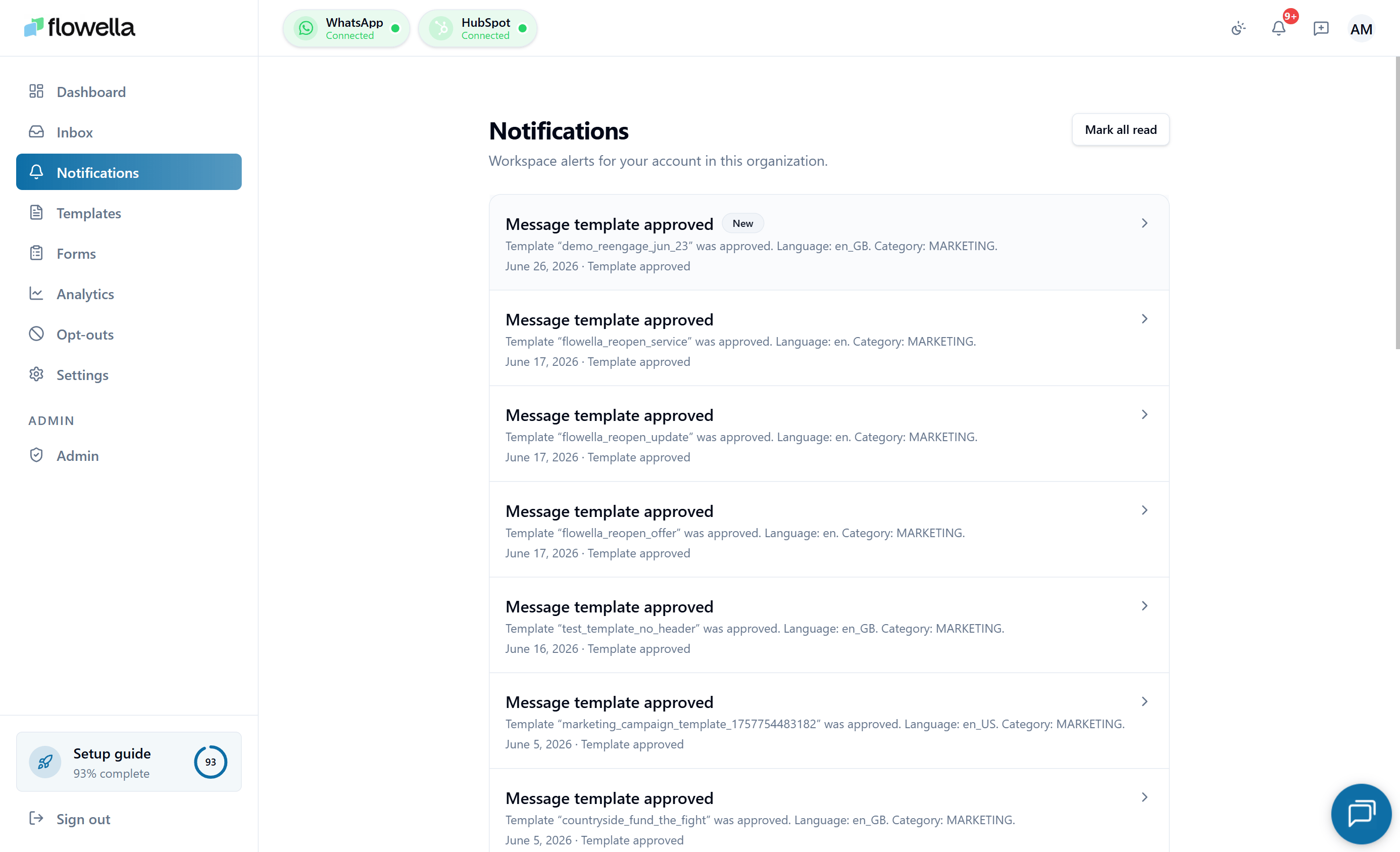
Click the bell icon in the top-right, or go to:What appears here
Templates
Meta approved or rejected a submission, a template was paused for quality reasons.
Integrations
HubSpot or Meta needs reconnecting, a webhook is failing.
Exports
An analytics export is ready to download.
Billing
A payment failed or a subscription state changed.
Operational
Incident notices and maintenance windows from Flowella.
More
See the full catalogue of events Flowella can emit.
Reading and clearing
- Click a row to open its detail view in a modal. The detail view shows the full payload, including links to the related object (template, channel, export, etc.).
- Click Mark all read to clear the unread badge for everything in the feed.
- Pagination is at the bottom of the list (20 per page).
Email and notification settings
Some events are also delivered by email. Configure which categories email you (and which only stay in-app) under Notification preferences.Retention
Notifications are kept in the feed long enough for routine review. Expect older notifications to be pruned over time so the feed stays useful — anything time-sensitive is also delivered by email or as a webhook event so you do not lose it. If you need a permanent record of a specific event, capture it from the detail view at the time.Related
Notification events catalogue
The full list of events Flowella can emit, with channels and mandatory flags.
Notification preferences
Choose which categories deliver in-app, by email, or both.
Status and incidents
Operational notifications and where to check platform health.
Webhooks
Push events to your own systems instead of polling the feed.