

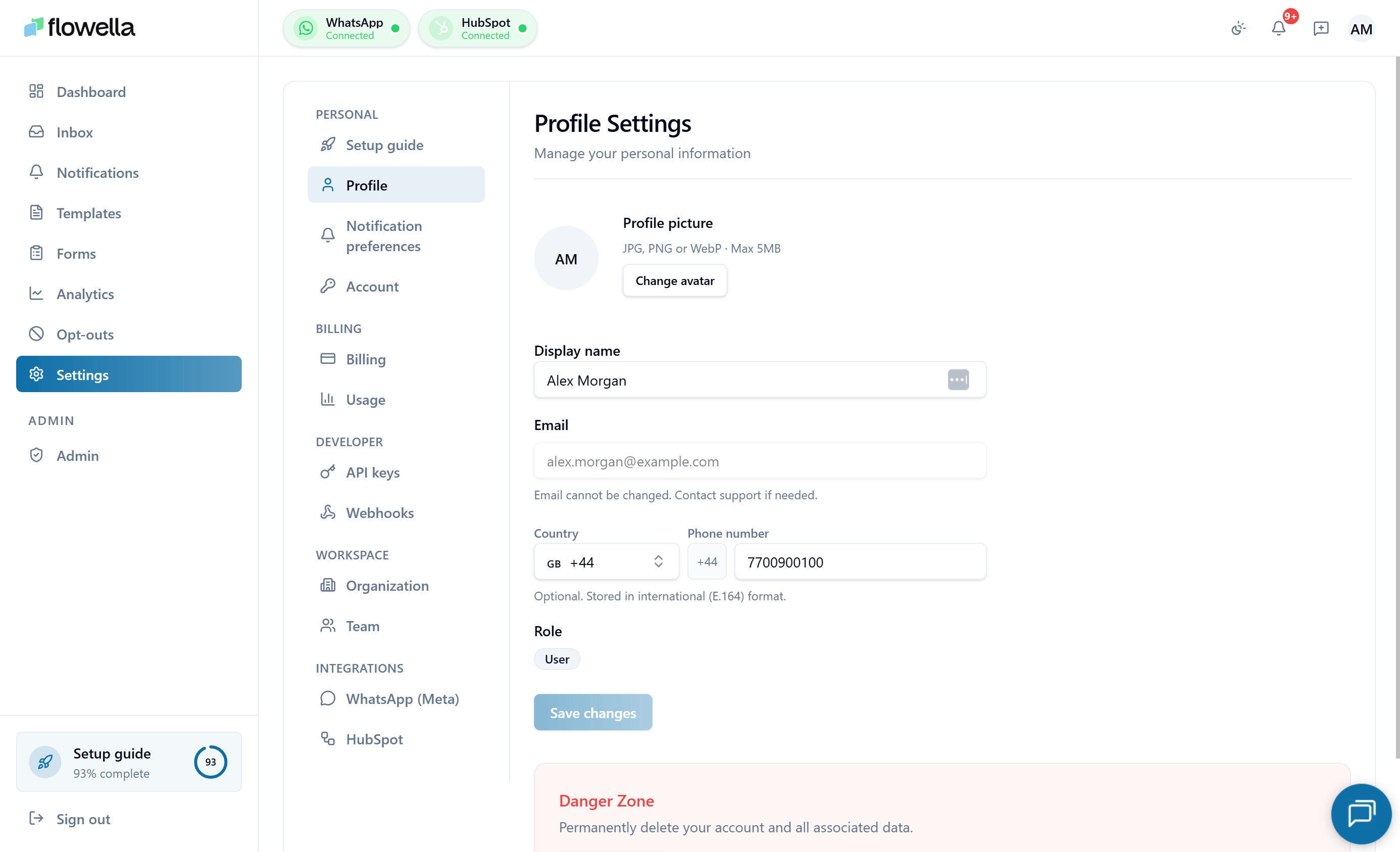
Personal
Settings that apply to your individual Flowella user, not the organization.Profile
Display name, avatar, phone number, and UI locale.
Notification preferences
Choose which Flowella events deliver to your in-app feed and email.
Account
Password, passkeys, active sessions, and backup sign-in.
Billing
Subscription, invoices, and billable WhatsApp message usage for the organization.Billing
Plan, payment method, invoices, and subscription state.
Usage
Billable WhatsApp messages this cycle, allowance, and caps.
Developer
Programmatic access to your Flowella organization.API keys
Create, rotate, and revoke keys for the Flowella REST API.
Webhooks
Outbound webhooks: endpoints, signing secrets, event subscriptions, retries.
Workspace
Organization-wide identity and membership.Organization
Workspace name, business email, and default content language.
Team
Members, roles, invitations, and ownership transfer.
Integrations
External platforms connected to your Flowella organization.WhatsApp (Meta)
Connected WABAs and phone numbers, token health, re-authorisation.
HubSpot
Portal connection, scopes, and the property mapping that powers workflows.
Document templates
PDF templates rendered by the Generate Document HubSpot workflow action.
Who can change what
See Team for the full role definitions.